
On September 1, 2026, every business established in France, whatever its size, must be able to receive supplier invoices in electronic format. Large and mid-sized companies will also have to issue them. Small and medium-sized enterprises (SMEs) and micro-enterprises get an extra year to start issuing, until September 1, 2027.
That deadline has one upside: it forces you to confront a question many SMEs have been putting off for years. How does administrative work — everything outside production — actually flow through your company, and at what cost?
According to Eurostat, 41% of small European businesses use ERP software, against 89% of large ones. For business intelligence tools the gap is wider still: 11% versus 69%. An SME manages the same range of processes as a large corporation, with far fewer tools to support them.
So where do you start?
Here are the five processes that give an SME the best return for the effort involved.
1. Billing and Accounts Payable
This is the best-documented process — and the most expensive one to leave unautomated. Ardent Partners’ “AP Metrics That Matter in 2025” survey, based on responses from 212 accounts payable professionals, puts the average cost of processing a single invoice at about €8, versus €2 in top-performing organizations (the survey reports $9.40 and $2.78).
Processing time follows the same pattern: 9.2 days on average, 3.1 days for the best performers. Only 32.6% of invoices are processed without human intervention.
That variation has little to do with invoice volume. It comes from how work moves between departments and people: who approves what, in what order, and by when.
The EU Payment Observatory report, prepared by CEPS and EY for the European Commission in 2024, adds two useful data points. For an SME, sending an electronic invoice costs between €0.05 and €0.30. And electronic invoices are paid 5 to 7 days earlier than paper ones, which lands directly on cash flow.
What Automation Actually Changes
Each invoice enters an approval workflow routed by amount, department, or risk level. Every action is time-stamped and assigned to a named person. Reminders go out on their own. Matching against the purchase order happens automatically, not as a manual check.
See the Financial Process Automation page.
2. Purchase Requests and Purchase Orders
In April 2026, APQC published a figure that captures the problem: organizations spend anywhere from about €11 to more than €40 to process a single purchase order (APQC reports $14 and $54) — a nearly fourfold spread.
APQC makes one point clearly: that spread comes from how the process is structured and executed, not from external factors like industry or company size. And that is exactly where an SME has the advantage. It can redesign an approval process in a matter of weeks, where a large corporation needs months of internal governance to do the same.
In practice, purchasing in an SME often means an email request, a verbal confirmation, and an invoice that turns up three weeks later — with no one able to find the original agreement or the terms that were agreed.
What Automation Actually Changes
The request is formalized. Approval thresholds are set by amount. Budget consumption is visible in real time. The purchase order is matched to the invoice when it arrives. The most immediate gain isn’t time saved — it’s the end of off-process spending.
See the Procurement Process Automation page.
3. HR Requests: Time Off, Onboarding, Employee Data
Recent public data on this process is thin. The two most reliable sources are a few years old.
Deloitte’s Global Payroll Benchmarking Survey (2020, more than 750 organizations across 55 countries) identifies manual payroll data entry and uploads as the single most time-consuming task, at more than 40% of total effort in the EMEA region. In the same report, process improvement accounts for just 8% of teams’ time.
An EY survey run in December 2022 among 508 US respondents puts the average cost of a payroll error at about €230 ($291), based on roughly 15 corrections per pay period in a typical organization.
These figures describe large organizations. In an SME the process works the same way on a smaller scale, with one added risk: one person owns it, and when that person is away, everything stops.
What Automation Actually Changes
A single entry when a new employee joins triggers the equipment request, the access rights, the contract, and the onboarding plan — and each department receives its own tasks.
Time-off requests follow an approval path that shows who’s available at a glance. No step depends on an email chain or a scattered Teams thread.
See the HR Process Automation page.
4. Handling Nonconformities and Preparing for Audits
A December 2023 survey by AFNOR Group produced a counterintuitive result: 80% of the companies surveyed put their cost of poor quality at between 0 and 5% of revenue. AFNOR read that not as good news but as a sign that companies are underestimating it — an untapped source of savings. A second finding from the same survey: 17% of respondents expected their cost of poor quality to rise as a share of revenue, against 8% in 2017.
The underestimation is structural. A nonconformity handled by email and logged in a spreadsheet leaves no usable data. You fix the issue, but you never measure what it cost, and you never see that the same defect keeps coming back.
What Automation Actually Changes
Each nonconformity creates a record, triggers a corrective action assigned to an owner with a due date, and closes only once its effectiveness has been verified. On audit day, you produce a complete, auditable trail.
Magic BPM is developed by ICEB, which is ISO 27001-certified for information security. That standard requires regular independent audits — which means process traceability is something we live with, not a marketing claim.
See the Quality Process Automation
5. Internal Requests and Cross-Functional Approvals
This is the least visible process, and often the most costly. Requesting equipment, opening an account, getting access to a file: none of it appears in a budget, and each one fragments someone’s workday.
Microsoft’s Work Trend Index, published in June 2025 and based on aggregated Microsoft 365 data and a survey of 31,000 employees, puts a number on it: an employee is interrupted every 2 minutes by a meeting, an email, or a notification — roughly 275 interruptions a day. And 48% of employees describe their work as chaotic and fragmented.
Some of those interruptions are real work with no defined process. Without a process, a request takes the fastest route for whoever sends it — and the most expensive one for whoever receives it.
What Automation Actually Changes
One form per request type. Routing to a role rather than to a named person. A status the requester can check without asking. The volume of requests doesn’t drop — the chasing does.
See the IT Process Automation and Help Desk page.
Where Should You Start?
You shouldn’t tackle all five at once. Two criteria set the order: the regulatory deadline and the implementation effort.
| Process | Regulatory Deadline | Implementation Effort |
|---|---|---|
| Billing and Accounts Payable | Strict: receipt mandatory by September 1, 2026; issuance by September 1, 2027 for SMEs | Medium |
| Purchase Requests and Purchase Orders | Indirect: e-invoicing makes invoice-to-PO matching necessary | Medium |
| Internal Requests and Cross-Functional Approvals | None | Low |
| HR Requests | None | Low |
| Nonconformities and Audits | Driven by your certification cycle | High |
What 2026 Will Really Change
Electronic invoicing isn’t only an accounting matter. It’s the first process for which the French government sets the format, the timeline, and the traceability requirements. Once that is in place, the same question applies to everything else: why should approval of a €5,000 purchase stay a verbal agreement, when the invoice that follows it will travel in a standardized format?
The five processes here have one thing in common: none of them requires an overhaul of your IT systems. They require deciding who approves what, in what order, and by when. The rest is configuration.
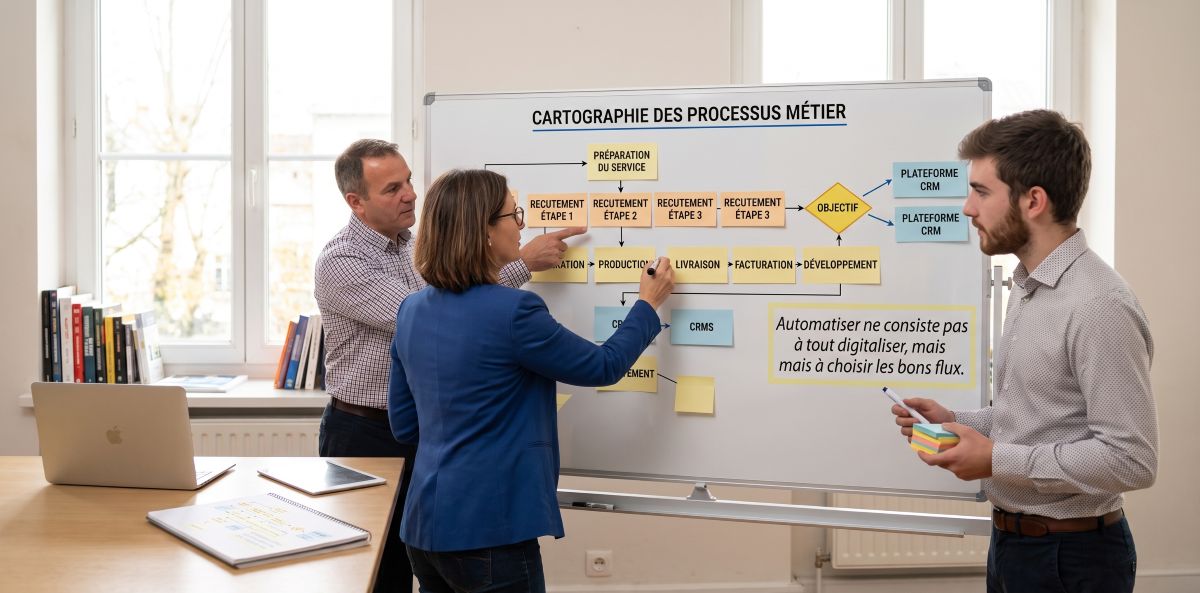
Before you configure the first workflow, you need to see how the process actually runs today — that’s the subject of our article on business process mapping. For the full methodology, the scoping steps, and the pitfalls to avoid, see our complete BPM guide for SMEs.
Frequently Asked Questions
What changes on September 1, 2026 for an SME?
From September 1, 2026, every business established in France, whatever its size, must be able to receive supplier invoices in electronic format. Large and mid-sized companies must also start issuing them on that date. SMEs and micro-enterprises have until September 1, 2027 to start issuing.
Where should an SME begin?
Two routes. The first follows the deadline — invoicing — and picks up the purchasing workflow that feeds it along the way. The second starts with a low-stakes process, a time-off or equipment request, so teams learn the tool on a risk-free workflow before applying it to finance.
What does it actually cost to process a supplier invoice manually?
According to Ardent Partners’ “AP Metrics That Matter in 2025” survey (212 accounts payable professionals), the average is about €8 per invoice, against €2 in top-performing organizations. Processing time follows the same pattern: 9.2 days on average, 3.1 days for the best performers, and only 32.6% of invoices processed without human intervention.
Why is processing a purchase order so expensive in some companies?
In April 2026, APQC put the cost of processing a single purchase order at anywhere from about €11 to more than €40 depending on the organization — a nearly fourfold difference. APQC notes that this variation comes down to how the process is structured and executed, not to industry or company size.
Should HR processes and internal requests be automated too, with no legal requirement to do so?
These are the two processes with no regulatory deadline and the lowest implementation effort, which makes them a good place to start. The problem is real enough: Microsoft’s Work Trend Index (June 2025) reports around 275 interruptions per employee per day, and 48% of employees describing their work as chaotic and fragmented.
Is automating a badly designed process enough to improve it?
No. Automate a broken workflow and it just runs faster. Before automating, decide who approves what, in what order, and by when. That rethinking is what delivers the gains — not the automation itself.

